
Remove VK Video Recommendations — Focus Mode for VK
Скрыть рекомендации ВК — VK Видео без отвлечений
Скрыть рекомендации ВК — VK Видео без отвлечений
Hide recommended videos on VK and VK Video: Watch also sidebar, end-screen grid, feed shelf. Bigger player, one-click on/off.
Chrome Firefox Privacy facts.json
| Chrome | https://chromewebstore.google.com/detail/remove-vk-video-recommend/dkipaoolkcdnifagifooemajelancdod |
|---|---|
| Firefox | remove-vk-video-recommendation |
| Firefox id | vk-recommendations@dmitryq |
| Permissions |
|
| Optional | none |
| Optional sites | none |
| Runs on |
|
| Firefox data collection | {"required": ["none"]} |
Screenshots from the store materials.
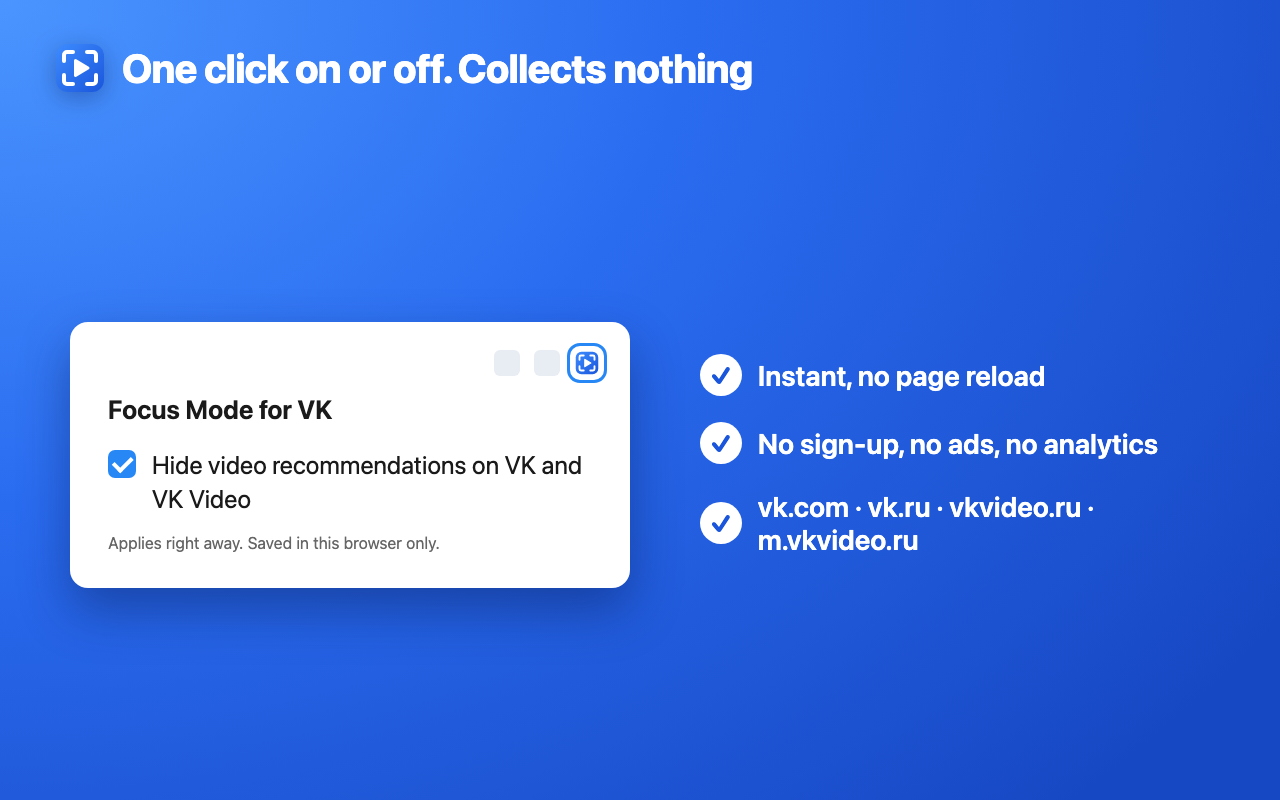
Chrome Web Store listing. The Firefox listing matches it, unless a separate block follows.
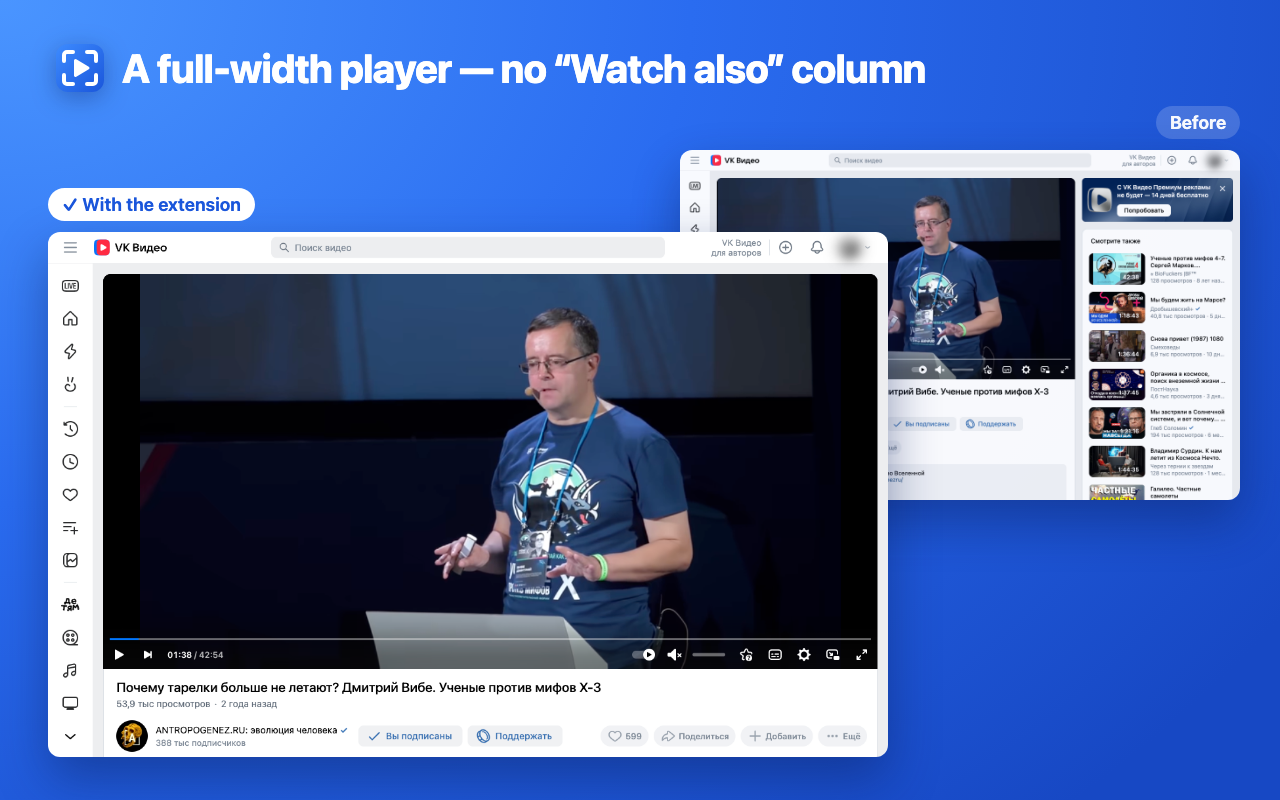
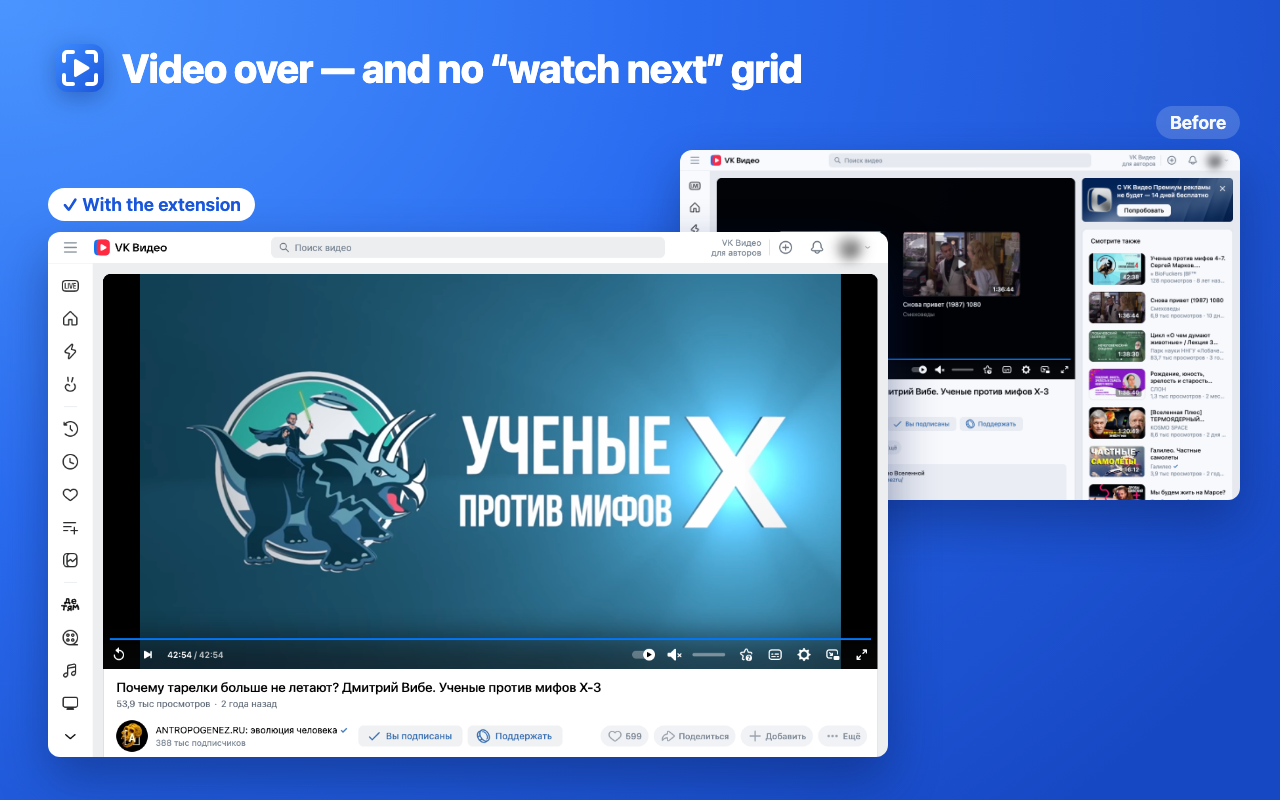
Watch what you came for. This extension removes recommendations on VK (VKontakte) and VK Video — the “Watch also” sidebar, the grid of suggested videos after a video ends, and the “Recommended in VK Video” shelf in the feed — and gives the freed space to the player.

Why install it
• No rabbit hole: no “watch next” grid when a video ends and nothing tempting next to the player.
• A bigger player: the video expands into the space of the sidebar, vertical videos included.
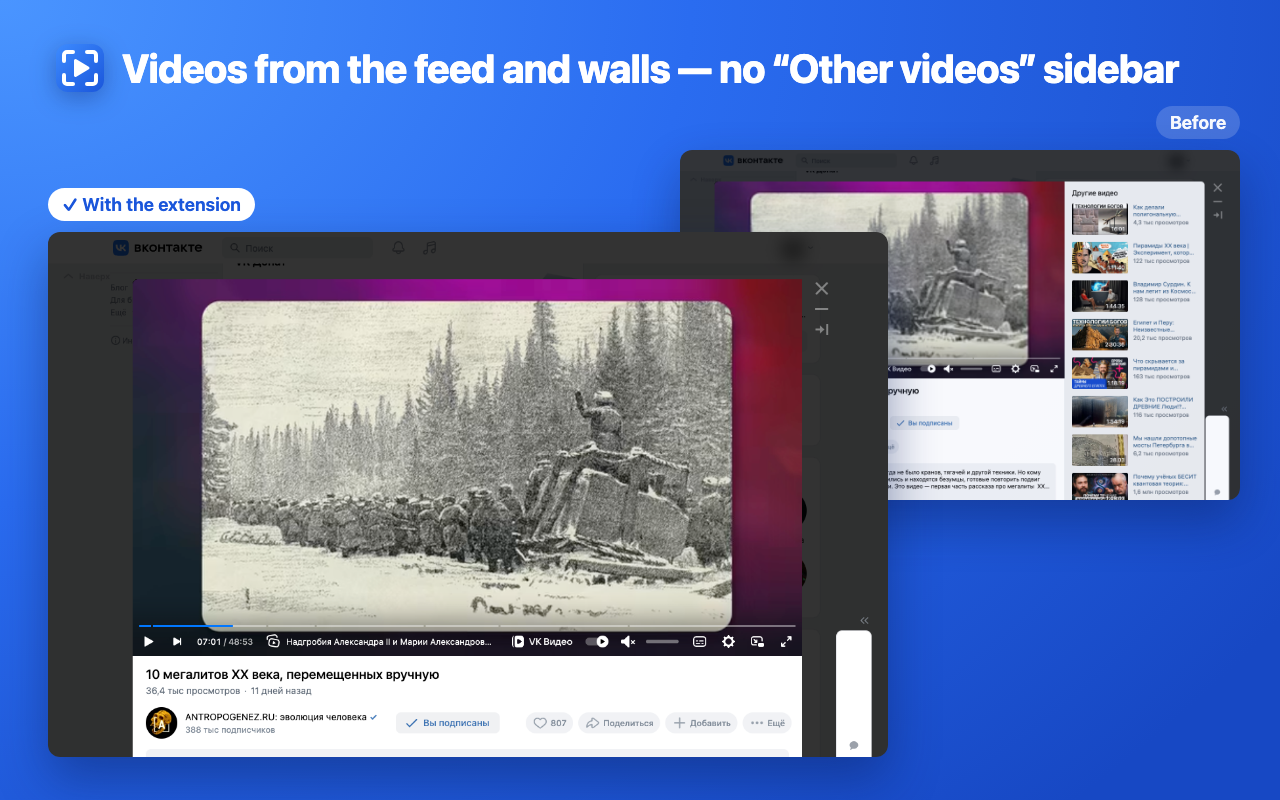
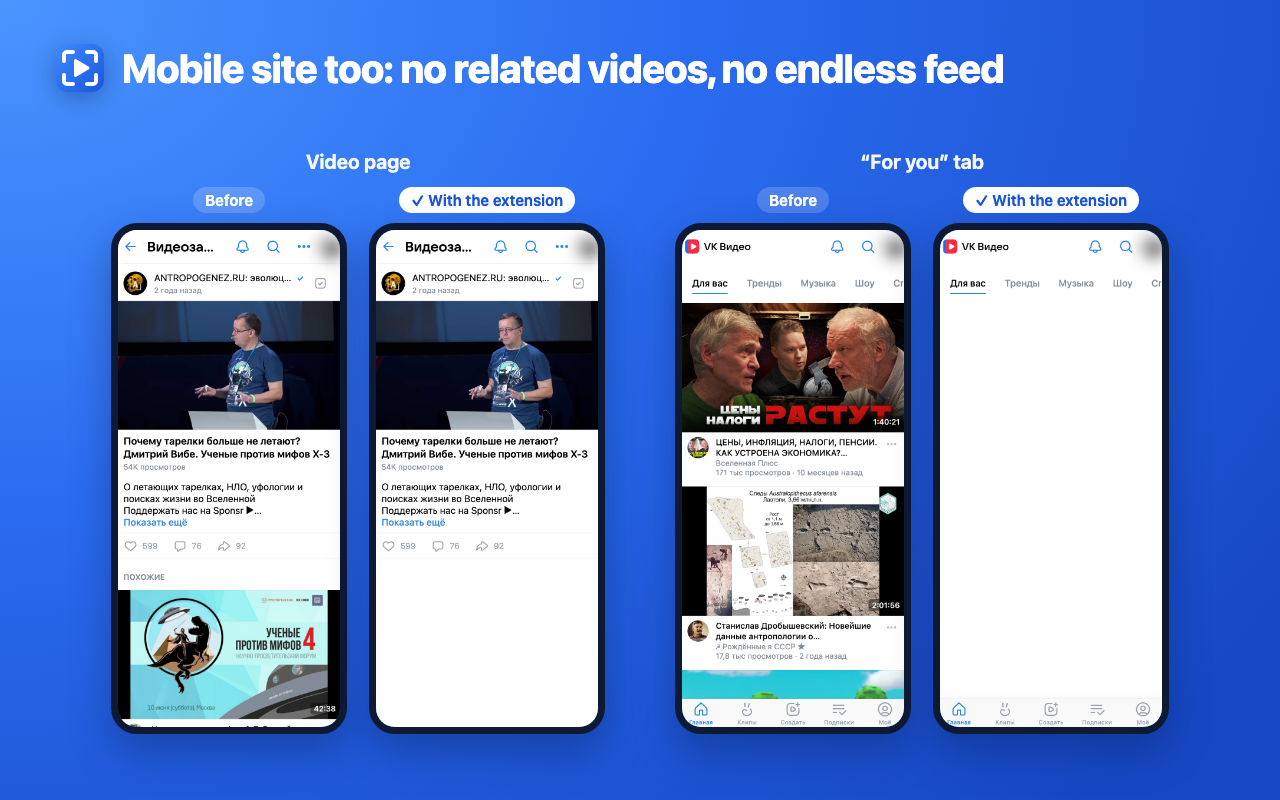
• Works wherever there’s video: watch pages on vkvideo.ru and vk.com, videos opened from the news feed or a community wall, the news feed itself, and the mobile site m.vkvideo.ru.
• One click on the toolbar icon turns it on or off — instantly, no page reload.
• Collects nothing: no sign-up, no ads, no analytics. It stores only two switches on this device.

What gets hidden
• The “Watch also” column next to the player on video pages.
• “Other videos” next to the player when a video opens from the feed or a community wall.
• The grid of recommended videos inside the player after a video ends.
• The “Recommended in VK Video” shelf in the VK news feed.
• On m.vkvideo.ru: related videos under the player and the recommendation feed on the “For you” and “Trends” tabs.

What stays
• The playlist. When a video is opened from a playlist, the playlist list next to the player stays visible, so you can see what comes next; only “Watch also” under it is hidden. The “Show playlist” switch in the extension window controls this and is on by default. Which video plays next is up to VK: the extension does not choose or change it.
• Live stream chat — only the recommendations around it are hidden.
• The “Next in N” autoplay countdown, so the next video never starts silently. Turn autoplay off in the player if you don’t want it.
• Subscriptions, search, comments and the rest of VK work as usual.

Great for lectures, courses, podcasts and series on VK Video when you don’t want to stay an hour longer than planned.

Sites: vk.com, vk.ru, vkvideo.ru, m.vkvideo.ru. The extension only changes how pages look in your browser: it doesn’t read video content, send data anywhere, or load code from the network.